
Photo to Line Drawing
Upload a photo and Zolliemake converts it into clean, confident line art — crisp contours with no shading noise. Ideal for tracing practice, tattoo references, product sketches, and coloring, exported as a printable PNG or PDF.
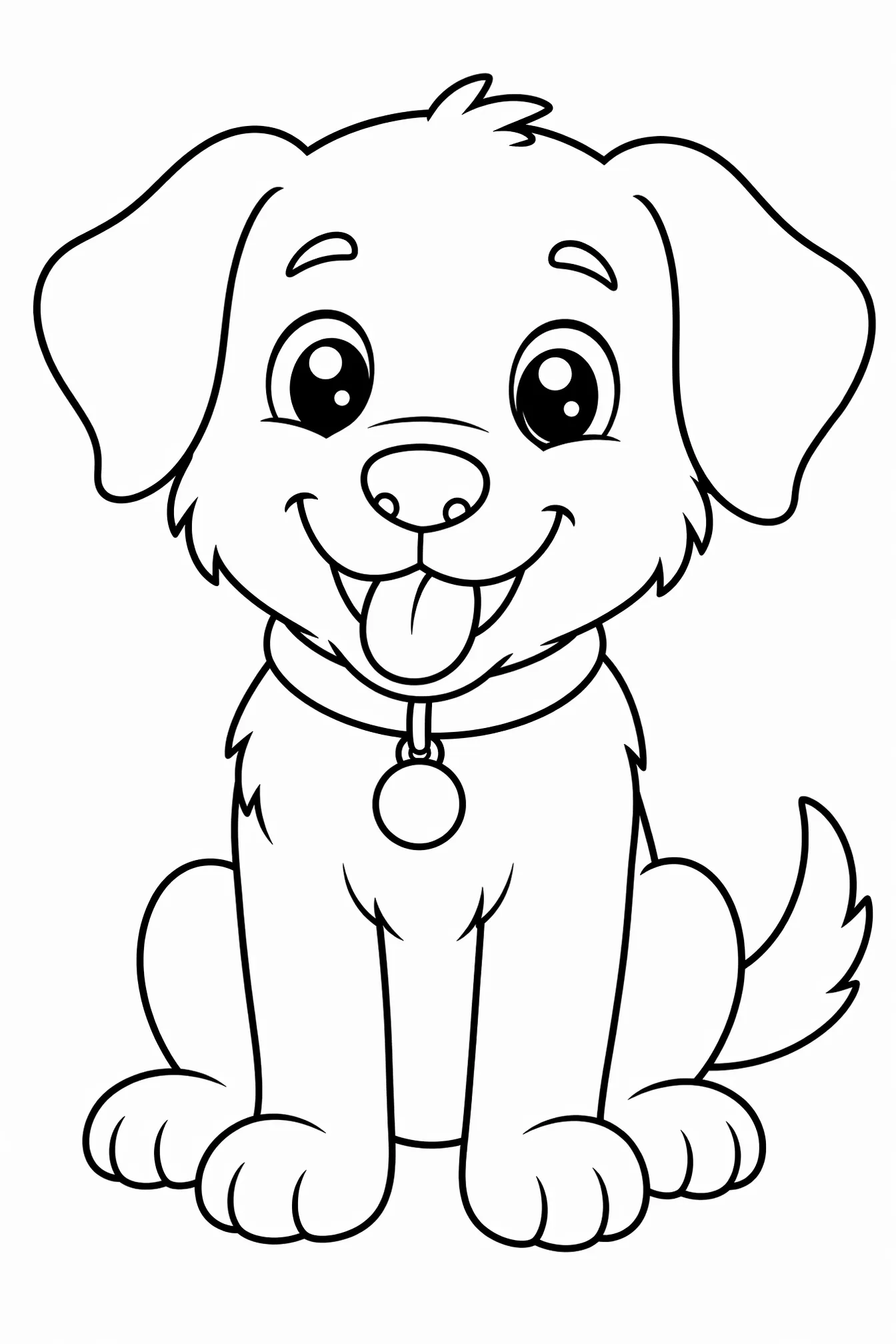
Upload a Photo
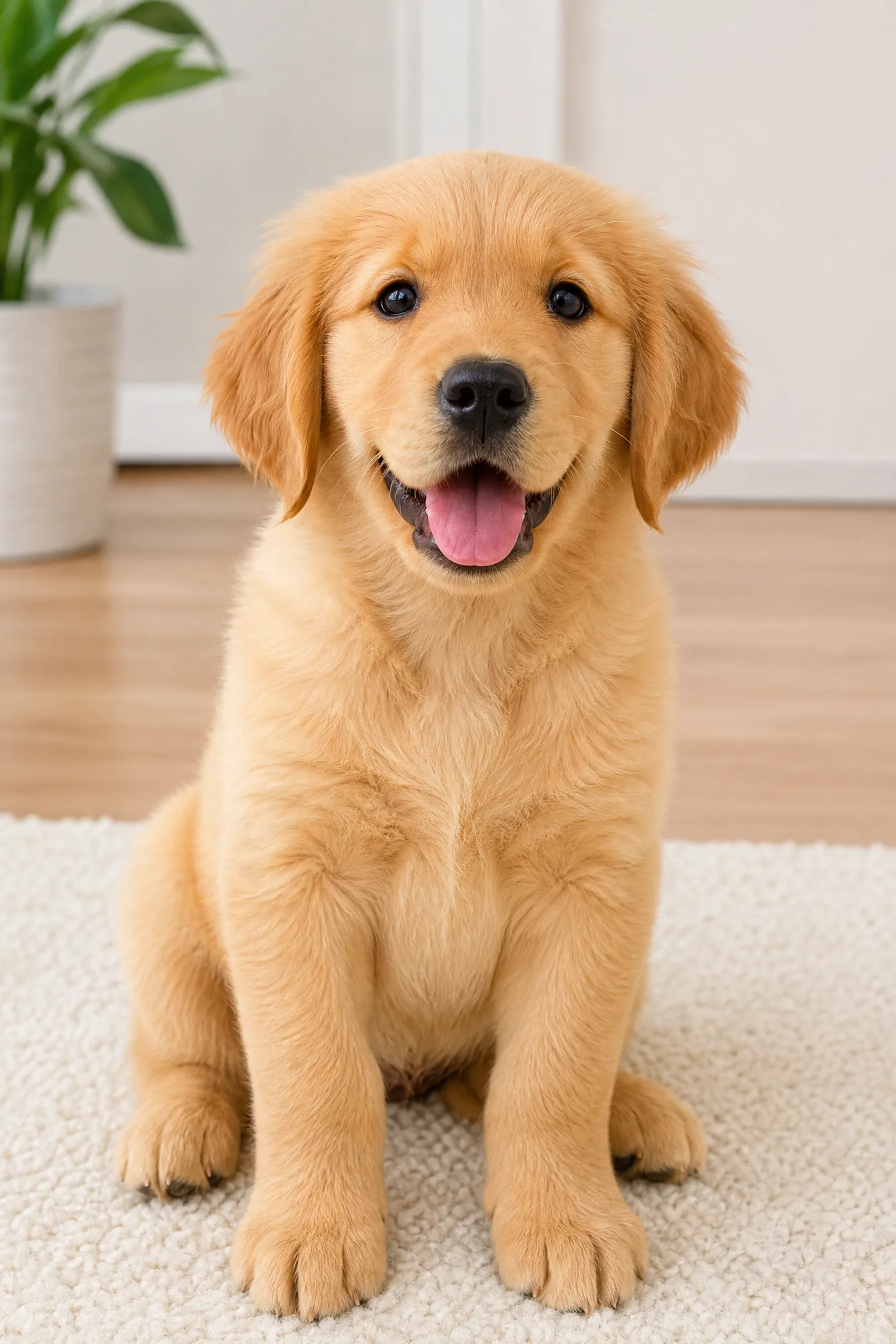
Drop in a portrait, pet, building, or product shot. Our photo-to-line-drawing AI traces the edges into smooth black outlines on a clean white background.
Free to try — clean vector-style lines, no watermark, PNG or PDF download.
How Photo to Line Drawing Works
Upload Your Photo
Choose any JPG or PNG — a face, a pet, a landmark, or a product. Higher-contrast photos with a clear subject trace into the sharpest line drawings.
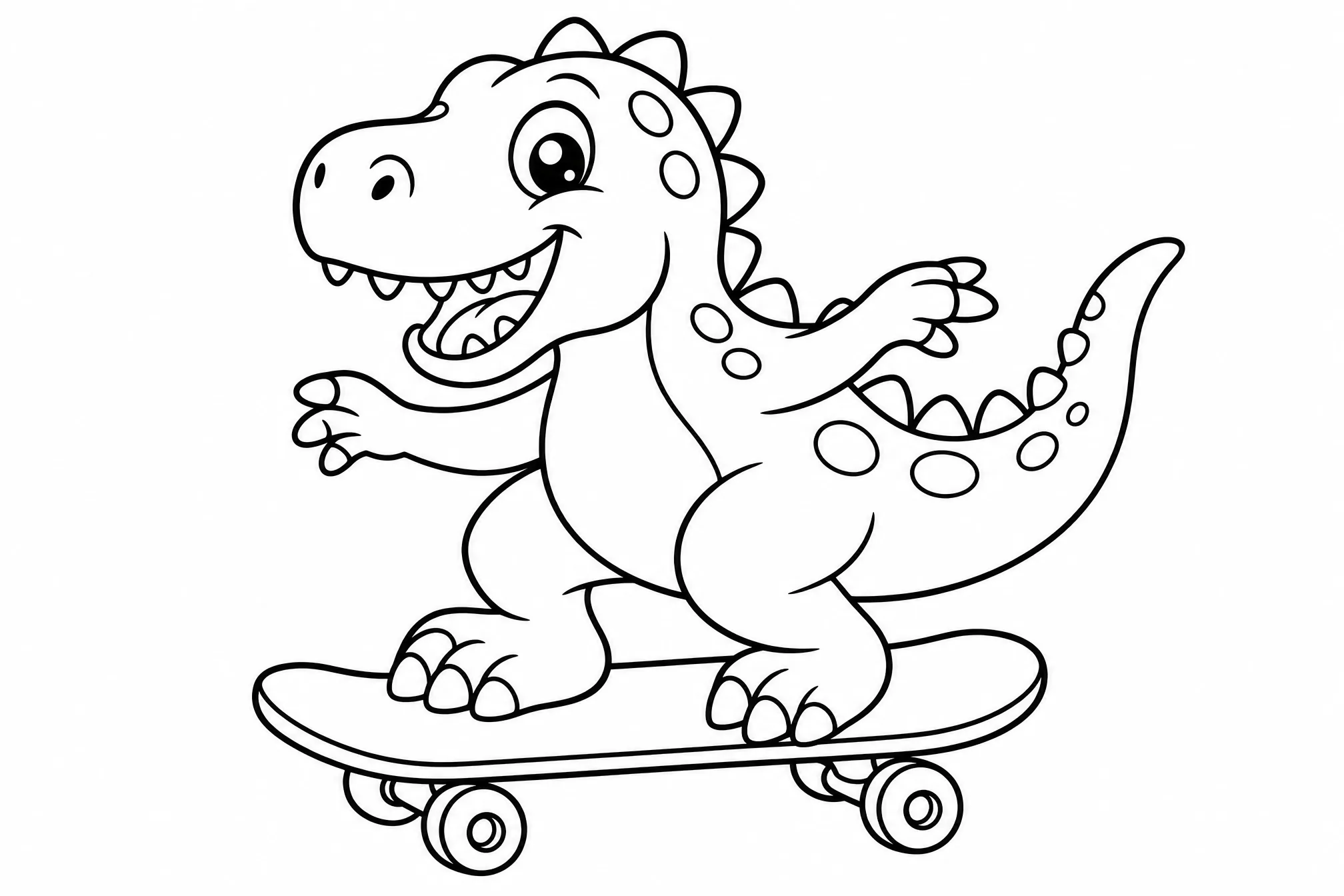
AI Traces the Lines
Zolliemake detects edges and contours, strips away color and shadow, and redraws your photo as clean single-weight line art with a pure white background.
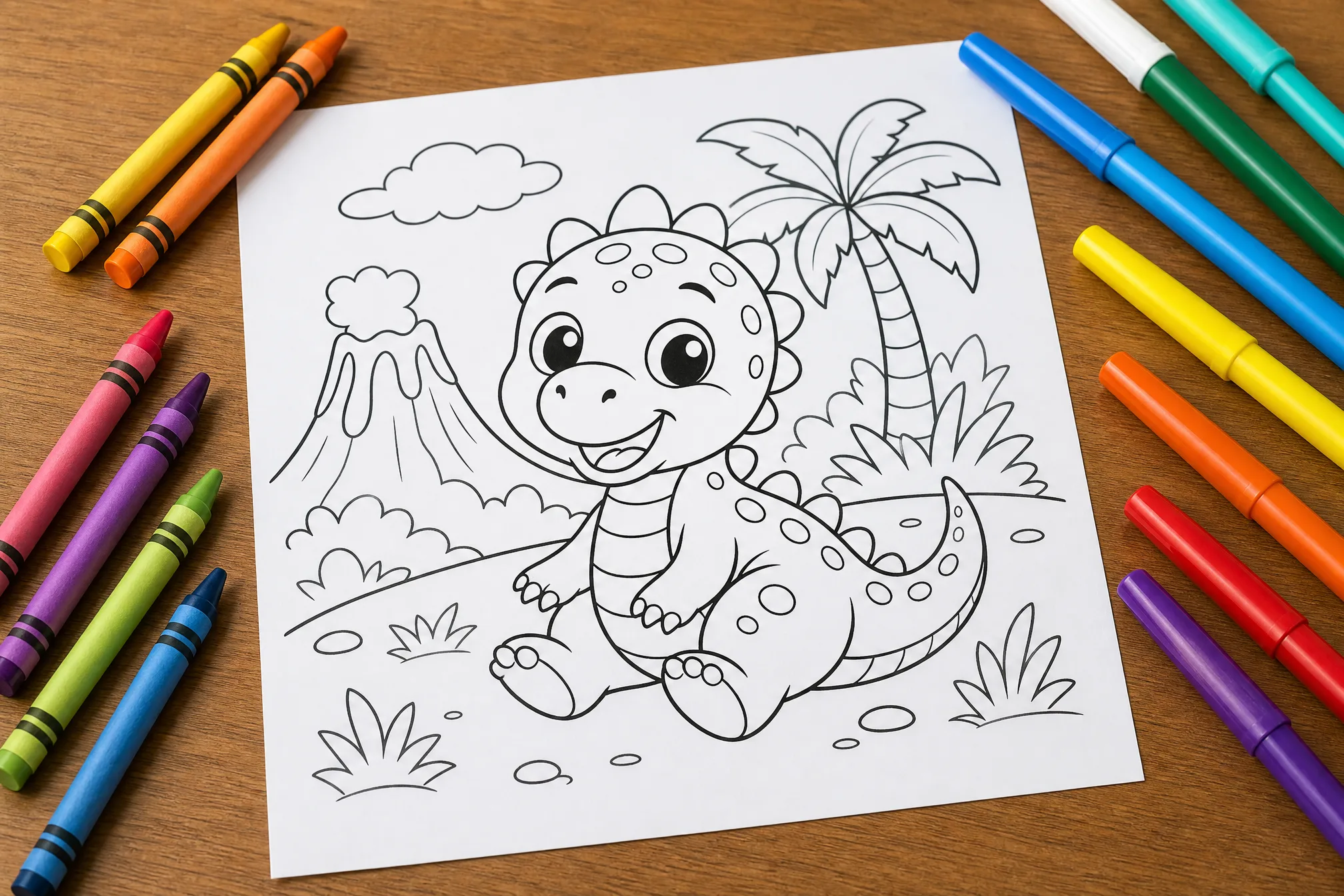
Download PNG or PDF
Grab a transparent-ready PNG for design work or a print-scaled PDF for tracing, tattoo consultations, and coloring — high resolution and ready to use.
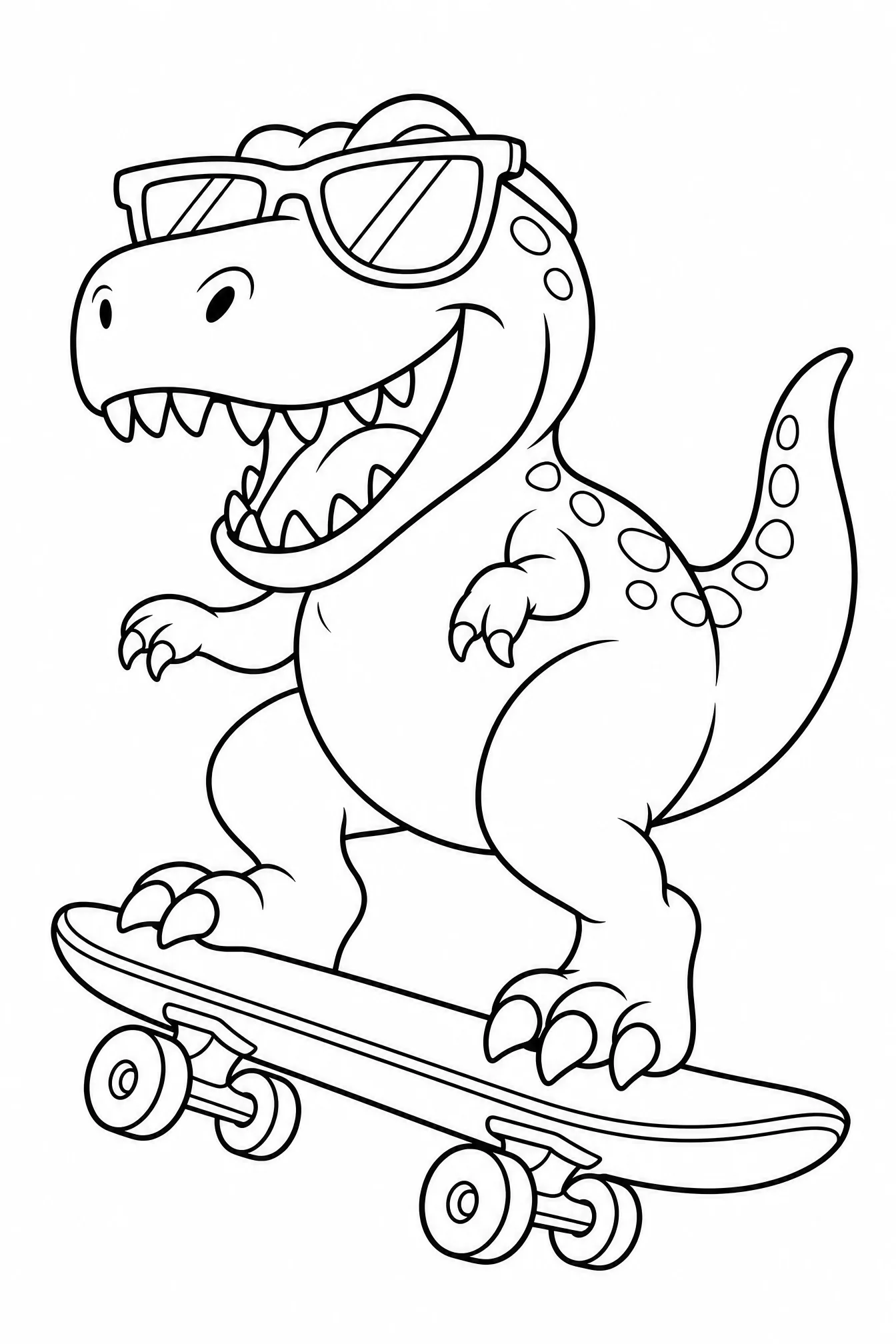
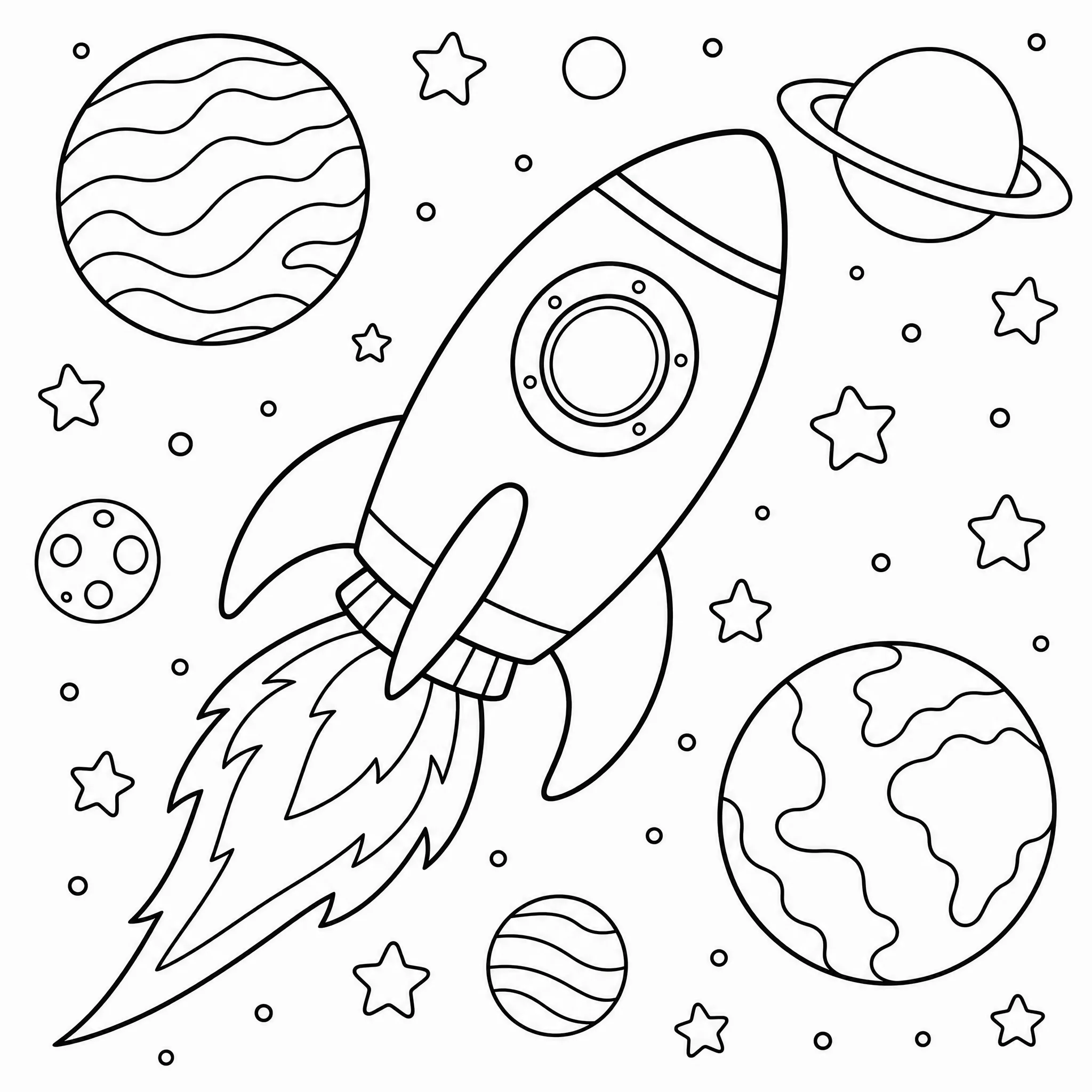
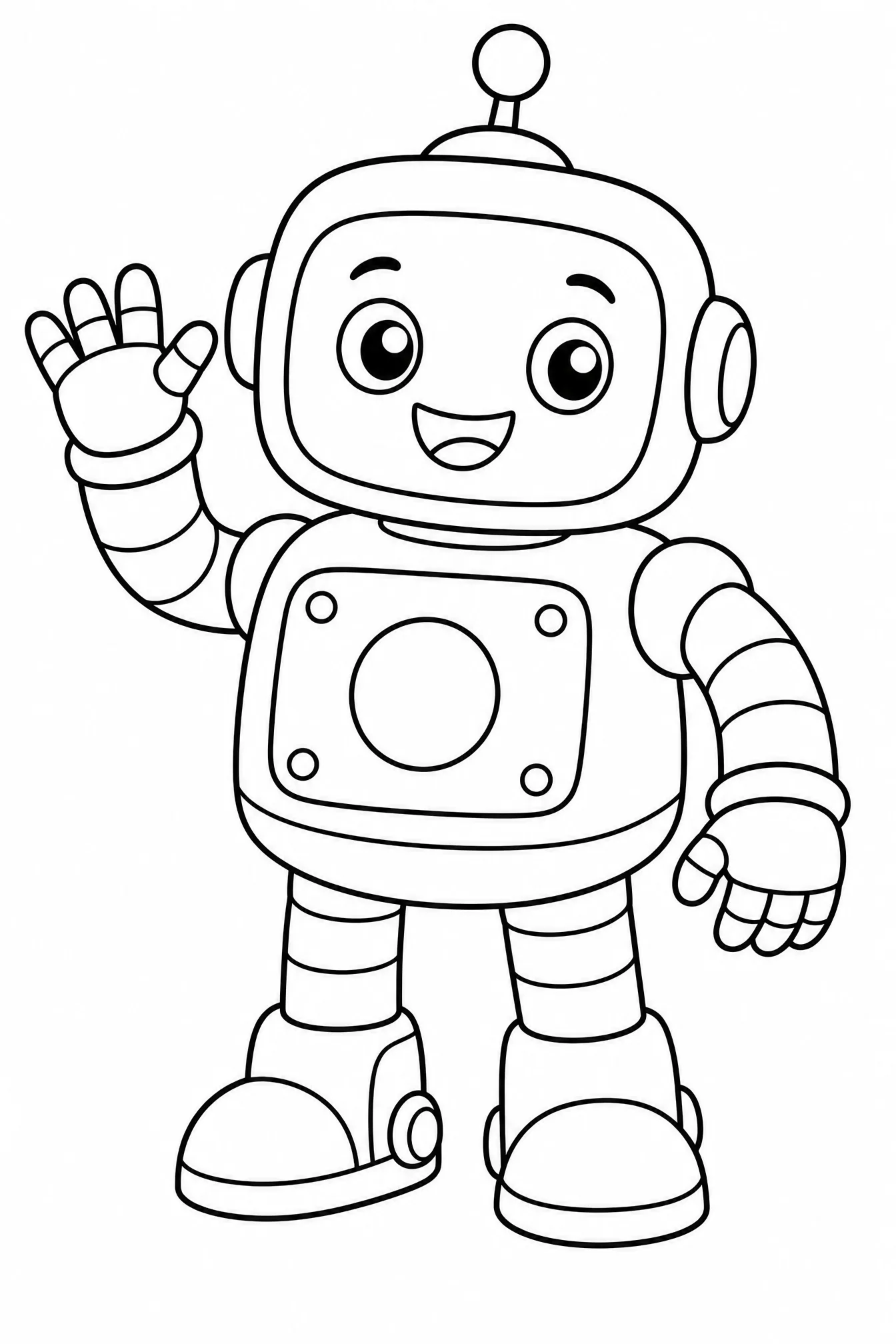
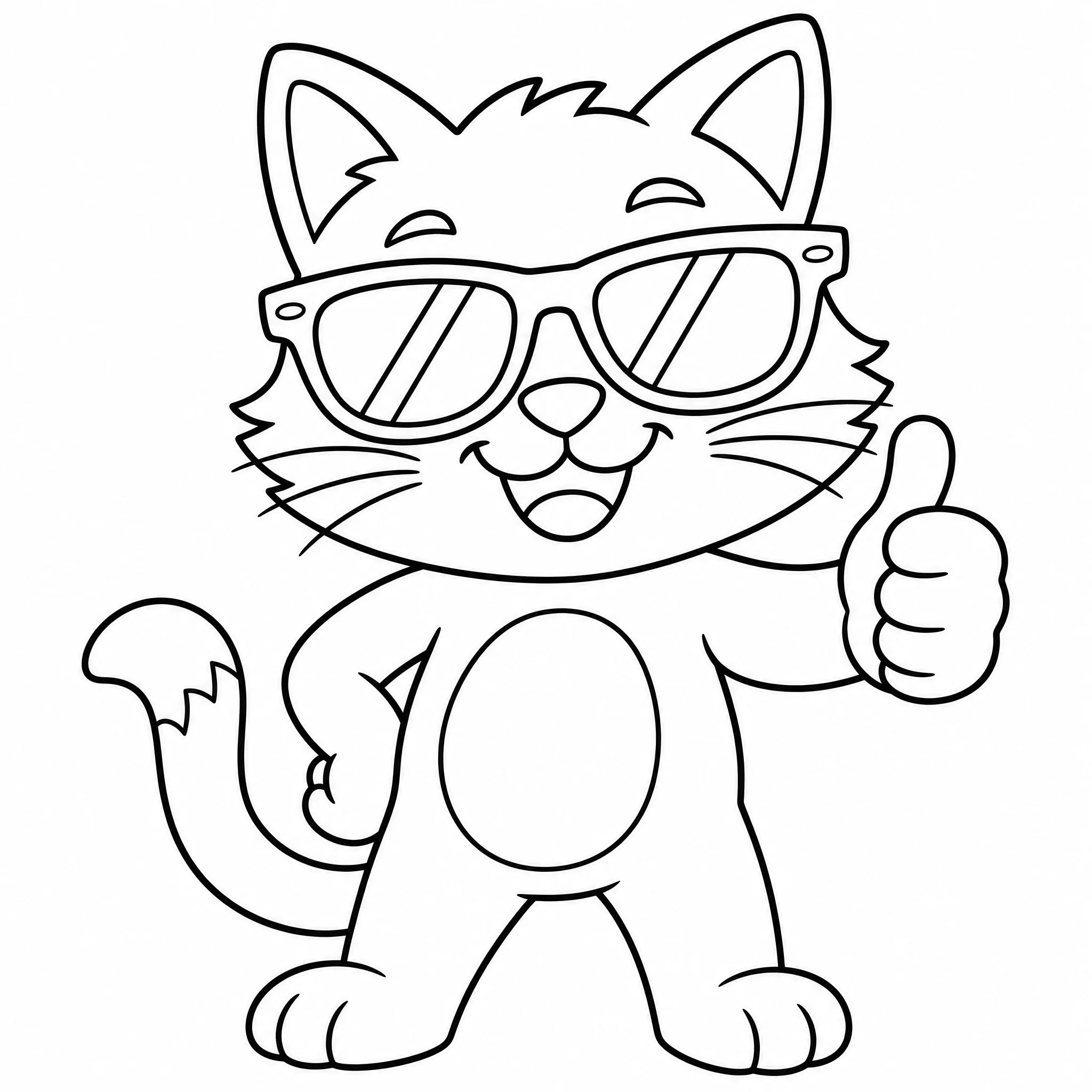
Photos Turned into Line Drawings
Clean line art generated straight from everyday photos.
What the Photo to Line Art Converter Delivers
Not a coloring-page filter — a true line-drawing engine tuned for clean, usable contours.
Clean Single-Weight Lines
The converter outputs even, confident outlines instead of scratchy sketch noise, so the drawing reads clearly whether you trace it or color it.
No Muddy Shading
Gray gradients and heavy shadows are removed, leaving pure black-on-white line art that prints sharp and never clogs a printer.
Tattoo Reference Ready
Turn a portrait or object into a stencil-style outline that artists and clients can mark up before a session.
Trace and Practice
Print the line drawing and place it under paper or on a lightbox for drawing practice, calligraphy layouts, or embroidery patterns.
PNG and PDF Export
Download a high-resolution PNG for digital design or a paper-scaled PDF for tracing and printing at US Letter or A4.
Design and Product Sketches
Convert product photos into clean line art for mockups, instructions, packaging, and printable listings you can sell.
Ways to Use Photo to Line Drawing
Tattoo Artists
Convert client photos and reference images into clean outlines to plan placement, sizing, and stencil detail before inking.
Hobby Artists
Trace line drawings from your own photos to practice proportion and shading without starting from a blank page.
Designers
Turn product and object photos into vector-style line art for logos, mockups, instruction sheets, and merch.
Crafters
Use converted outlines as embroidery, wood-burning, glass-etching, or stencil patterns you can print and transfer.
Printable Sellers
Build original line-art coloring sheets and wall-art outlines from licensed photos to list on Etsy or Amazon KDP.
Zolliemake vs. Manual Tracing and Filters
- Speed: Seconds per photo
- Line cleanliness: Even, noise-free contours
- Skill needed: None — upload and go
- Output: Printable PNG and PDF
- Reuse and sell: Original line art you own
- Speed: 30+ minutes to hand-trace
- Line cleanliness: Scratchy or gray-filled edges
- Skill needed: Steady hand and drawing skill
- Output: Flat low-res image only
- Reuse and sell: Filters often restrict rights
Why Trust Zolliemake for Photo to Line Art
A converter tuned by artists and makers who need lines they can actually work from.
Tested on Real Photos
We processed tens of thousands of portraits, pets, and product shots to tune edge detection that keeps the subject and drops the clutter.
Line-Art Engineering
Our pipeline separates true contours from shadow, producing even line weights that trace, tattoo, and print far better than a photo filter.
Used Across Creative Fields
Tattoo studios, craft makers, and printable sellers rely on Zolliemake line drawings as clean starting points for finished work.
Clean Files, Clear Rights
No watermarks on your export and honest guidance on using your own or licensed photos so you can print and sell with confidence.
Tips for the Best Line Drawings
Start with High Contrast
Photos where the subject stands out from the background trace into the cleanest, most confident line art.
Fill the Frame
Crop close so the subject dominates the photo — the converter has fewer distractions and captures more meaningful detail.
Export PDF for Tracing
Choose the PDF at 100% scale so line thickness and proportions stay true when you print for a lightbox or stencil.
Simplify Busy Backgrounds
Remove or blur cluttered backgrounds before uploading so the line drawing focuses on the subject you care about.
Turn Your Photo into Clean Line Art
Upload any photo and download a crisp line drawing as PNG or PDF in seconds — free to try, no watermark.
Convert a Photo NowFrequently Asked Questions
How do I convert a photo to a line drawing?
Upload any JPG or PNG, and Zolliemake detects the edges and redraws your photo as clean black-and-white line art. You can download the result as a PNG or PDF in seconds.
Is the photo to line drawing tool free?
Yes, you can convert photos to line art for free. Your finished line drawing downloads without a watermark, ready for tracing, tattoo references, or coloring.
Can I use the line art for tattoo references?
Definitely. The converter produces clean stencil-style outlines that tattoo artists and clients can print and mark up when planning a design.
What formats can I download?
You can export your line drawing as a high-resolution PNG for digital use or a print-scaled PDF sized for US Letter and A4 paper.
How is this different from a coloring page?
This tool focuses on faithful line art — clean contours you can trace, tattoo, design with, or color. It preserves the photo's real detail rather than simplifying it into a cartoon coloring outline.
What photos work best?
High-contrast photos with a clear, well-lit subject and an uncluttered background trace into the sharpest, cleanest line drawings.